Every kind of capture
Grab a region, an object, the full display, or a long scrolling page, then annotate, blur, and redact before sharing.
Foldout's capture tools grab regions, windows, full screens, and scrolling pages, record cinematic screen demos, beautify a plain screenshot, read and build QR and barcodes, and pull text out of images - the whole screen-and-codes workflow in one place.
Start the 14-day trial in the app. No payment method is required to try Foldout.
Use Foldout only with files and content you own or have permission to process.
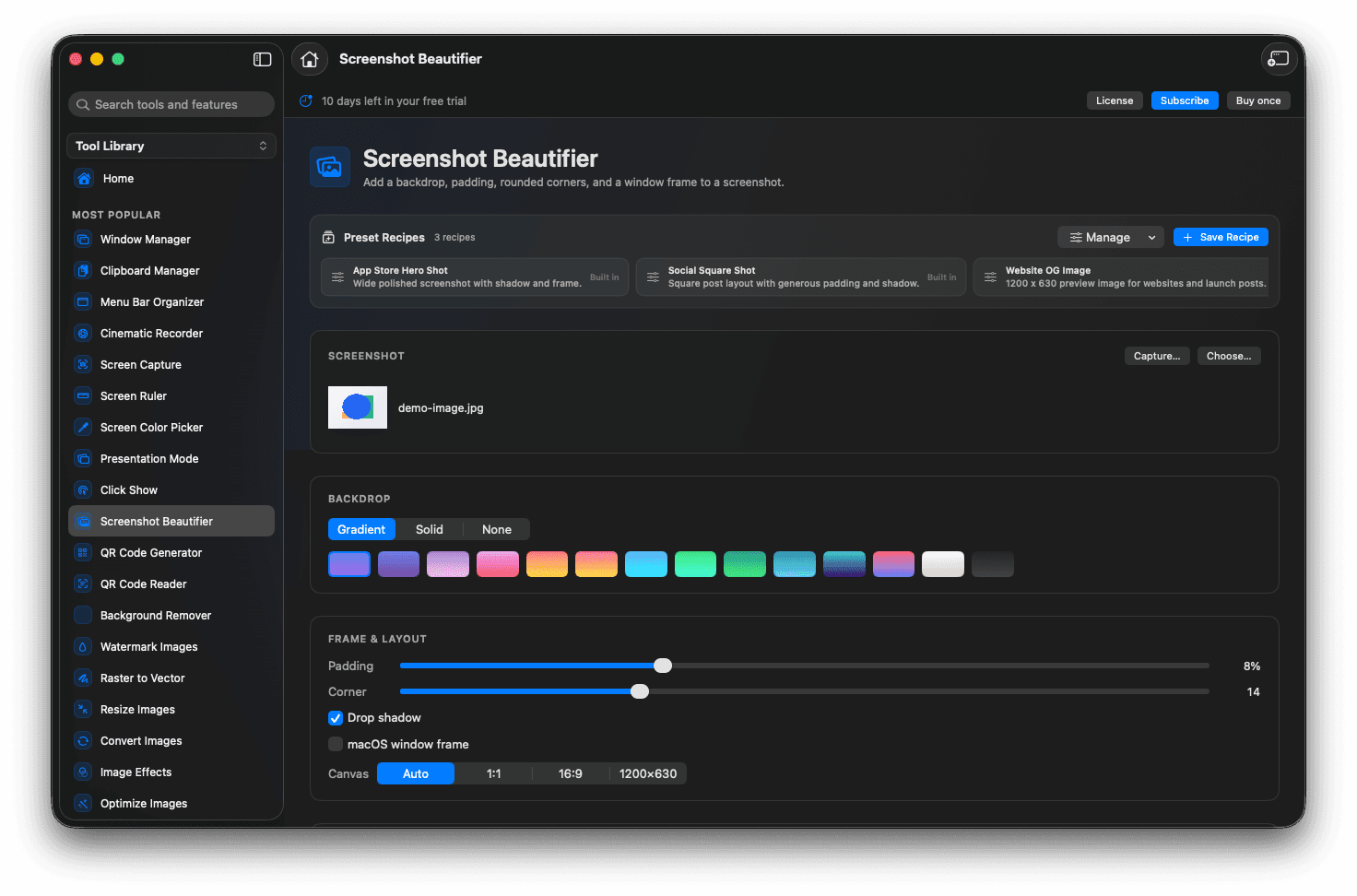
Capture regions, windows, full screen, or scrolling pages.
Record cinematic demos with auto-zoom and a backdrop.
Beautify screenshots and run OCR on images.
Read and generate QR and barcodes.
Concrete features, inputs, and workflow details for this tool.
Grab a region, an object, the full display, or a long scrolling page, then annotate, blur, and redact before sharing.
Record a demo with automatic zoom, a smooth cursor, and a padded backdrop, then add intro and outro cards.
Read a QR code off the screen, build a styled one, or lift selectable text out of an image with OCR.
Open Foldout and pick a capture tool.
Choose what to capture or record.
Annotate, beautify, or decode as needed.
Copy, save, or export the result.
macOS may ask for screen recording permission the first time a capture or recording tool is used.
No. The recorder's on-screen controls are kept out of the final video.
Yes. Text recognition happens on your Mac.