Look before you change
Find duplicates, visualize where space went as a treemap, list a folder by size, or surface empty folders - all review-first.
Foldout's file and folder tools review a folder before you change anything - duplicates, a size treemap, an inventory, empty folders - then organize, rename, archive, split, inspect, and clean metadata, always with a preview first and your originals respected.
Start the 14-day trial in the app. No payment method is required to try Foldout.
Use Foldout only with files and content you own or have permission to process.
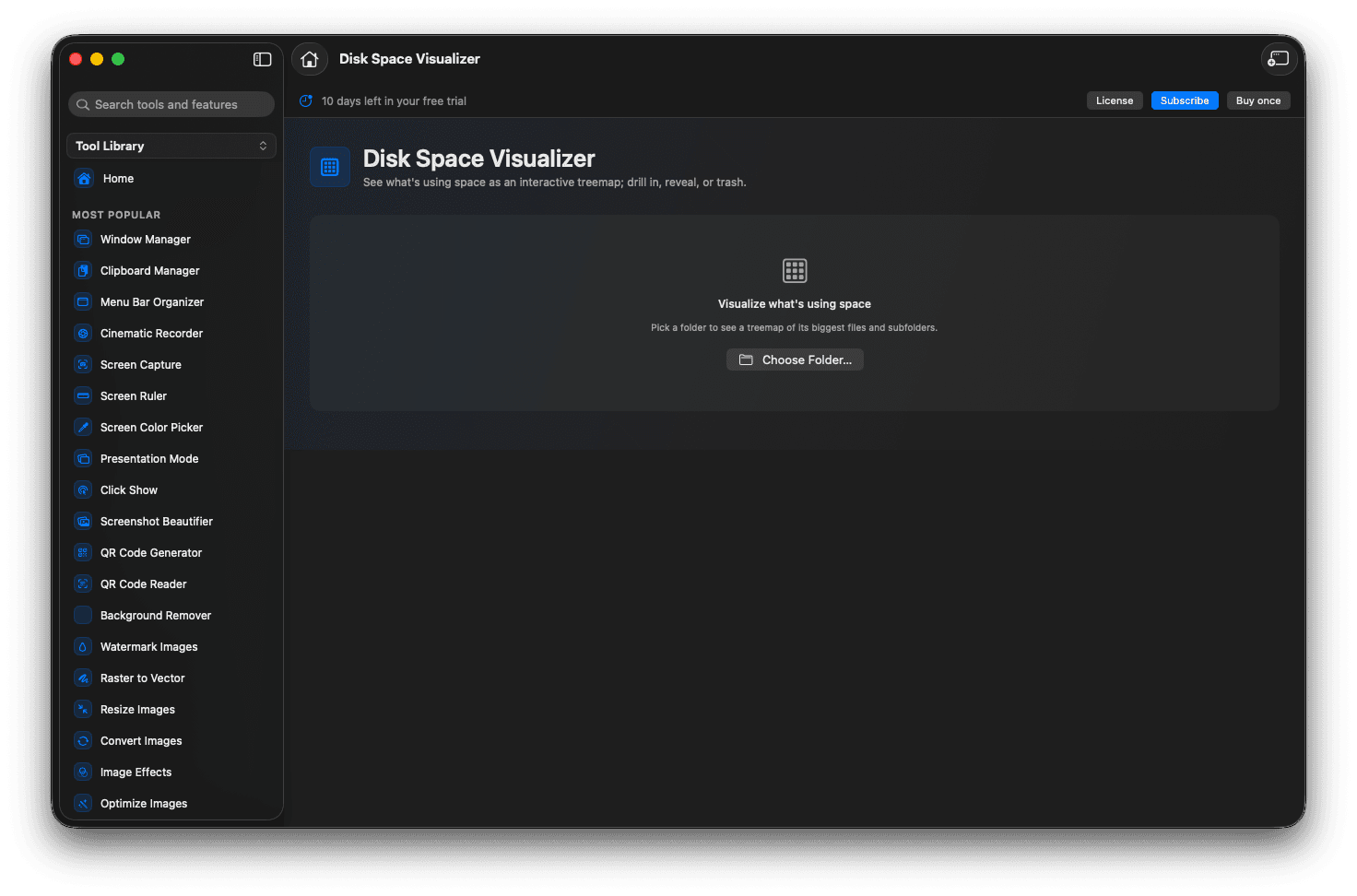
Review duplicates, a size map, and an inventory first.
Organize and bulk-rename with a preview before applying.
Zip, split, join, and inspect files.
Clean hidden metadata before sharing.
Concrete features, inputs, and workflow details for this tool.
Find duplicates, visualize where space went as a treemap, list a folder by size, or surface empty folders - all review-first.
Plan moves by type or date and preview safe bulk renames, with collisions flagged before anything happens.
Create or unpack archives, split a big file into parts, and strip hidden metadata before a file leaves your hands.
Open Foldout and pick a file tool.
Choose the folder or files to work with.
Review the preview of what would change.
Apply the action when the plan looks right.
No. Foldout's file tools are review-first - you see what would change and choose to apply it.
Reversible actions are tracked in Safety Center, and most tools write new output rather than overwriting.
Only the folders you select are reviewed.