Batch the boring parts
Resize to a preset, convert HEIC to JPEG, compress for the web, or crop a whole folder to one ratio in a single pass.
Foldout's image tools resize, convert, compress, crop, and clean up pictures in batches - plus background removal, vector tracing, color palettes, watermarks, and app-icon sets - all running on your Mac, with your originals left untouched.
Start the 14-day trial in the app. No payment method is required to try Foldout.
Use Foldout only with files and content you own or have permission to process.
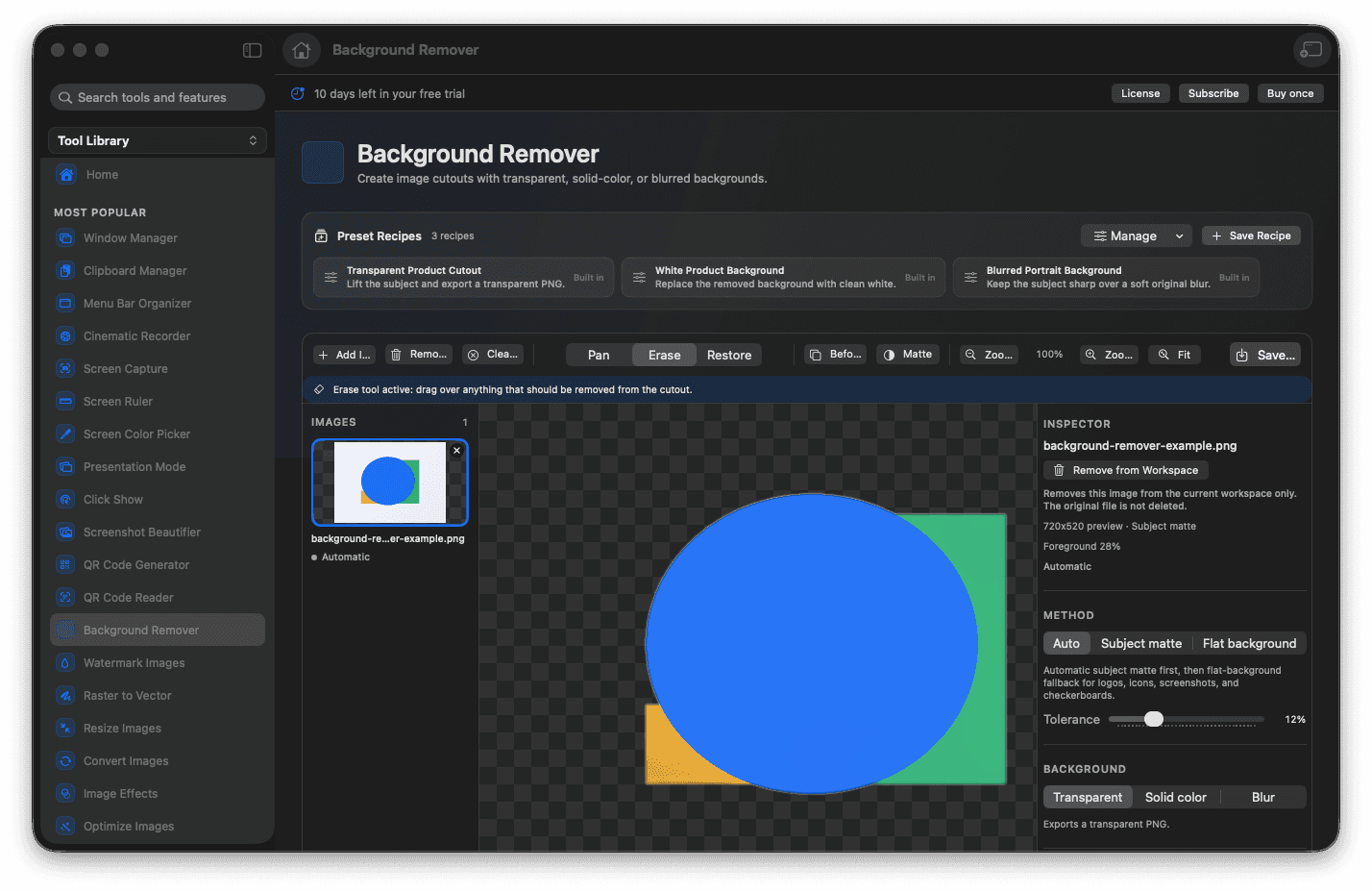
Resize, convert, compress, and crop in batches.
Remove backgrounds and trace logos to clean SVG.
Pull color palettes and generate icon sets.
Originals stay untouched - every result is a new file.
Concrete features, inputs, and workflow details for this tool.
Resize to a preset, convert HEIC to JPEG, compress for the web, or crop a whole folder to one ratio in a single pass.
Cut out backgrounds, trace artwork into scalable vectors, extract a color palette, or turn one square into a full app-icon set.
Every tool writes new files and keeps your originals, with nothing uploaded to a server.
Open Foldout and pick an image tool.
Add your images or a whole folder.
Choose the settings or a preset.
Run it and reveal the new files.
No. Foldout's image tools write new output files and leave your source images exactly as they were.
Yes. The image tools are built for batches, so you can process many files with one set of settings.
No. Image processing runs on your Mac.