The everyday clip chores
Convert a format a player will accept, compress a clip to send, trim to the highlight, or join takes end to end.
Foldout's video tools convert, compress, trim, merge, and split clips, pull frames and audio, turn footage into GIFs, and add text - the everyday video chores you would normally open a big editor for, in fast single-purpose tools that leave your source files intact.
Start the 14-day trial in the app. No payment method is required to try Foldout.
Use Foldout only with files and content you own or have permission to process.
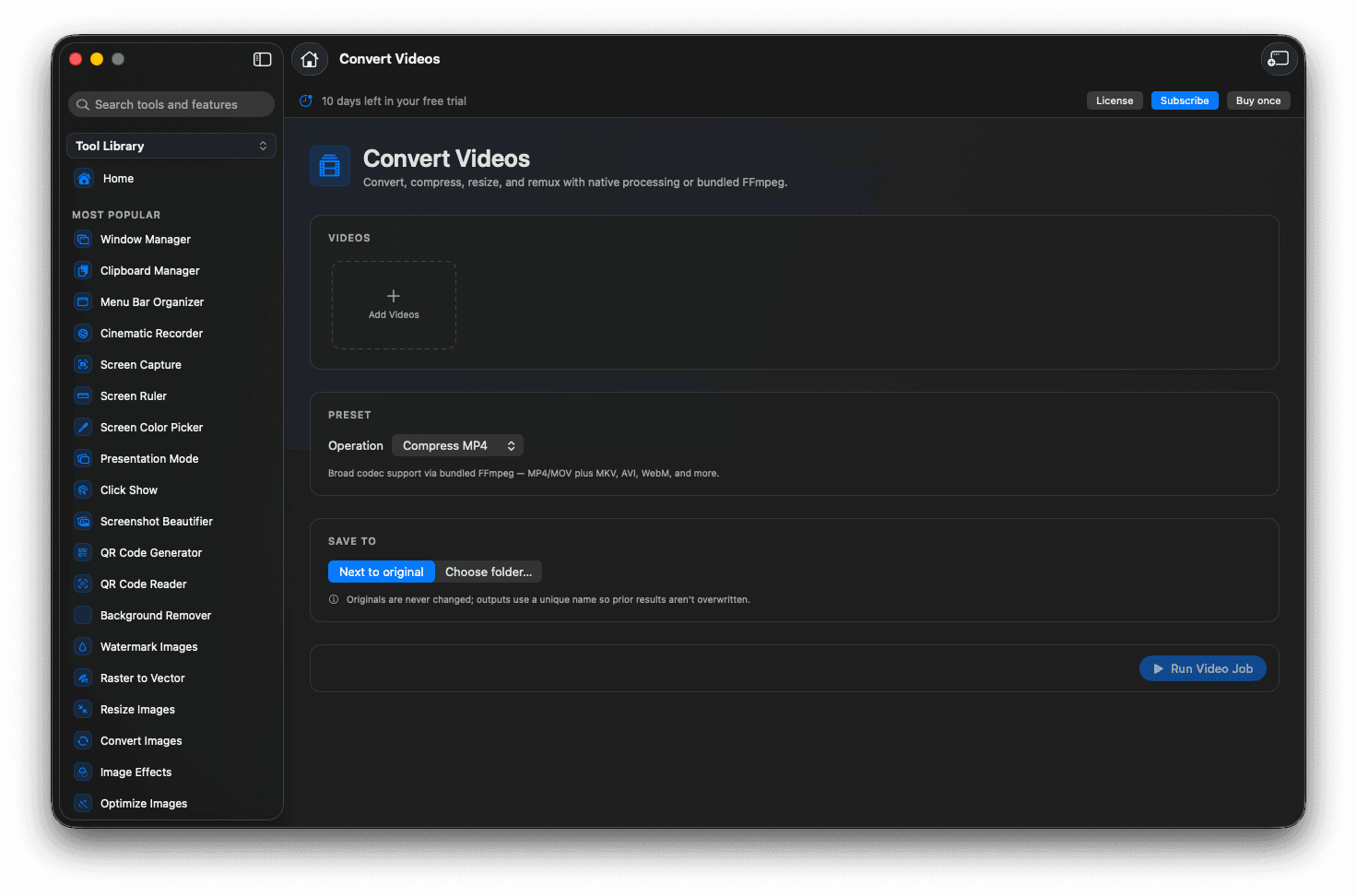
Convert, compress, trim, merge, and split clips.
Pull stills and audio, or make a looping GIF.
Add text overlays and resize for any platform.
Source clips stay untouched.
Concrete features, inputs, and workflow details for this tool.
Convert a format a player will accept, compress a clip to send, trim to the highlight, or join takes end to end.
Grab the perfect frame as a still, lift the audio track, or turn a moment into a looping GIF.
Resize for a platform and burn in a watermark or caption, then export with your original left intact.
Open Foldout and pick a video tool.
Add your clip or clips.
Set the range, format, or output options.
Export the new file.
No. Foldout's video tools write new files and leave your source footage as it was.
Yes. Video processing happens locally.
Several video tools handle multiple clips at once, such as merging or converting a set.