Data, readable
Pretty-print and validate JSON, walk it as a tree, and convert between JSON, YAML, CSV, and typed code.
Foldout's developer tools format and inspect JSON, test regex, decode JWTs, convert timestamps and number bases, parse URLs, generate hashes and IDs, and more - the little utilities you keep a browser tab open for, gathered into one fast, local toolbox.
Start the 14-day trial in the app. No payment method is required to try Foldout.
Use Foldout only with files and content you own or have permission to process.
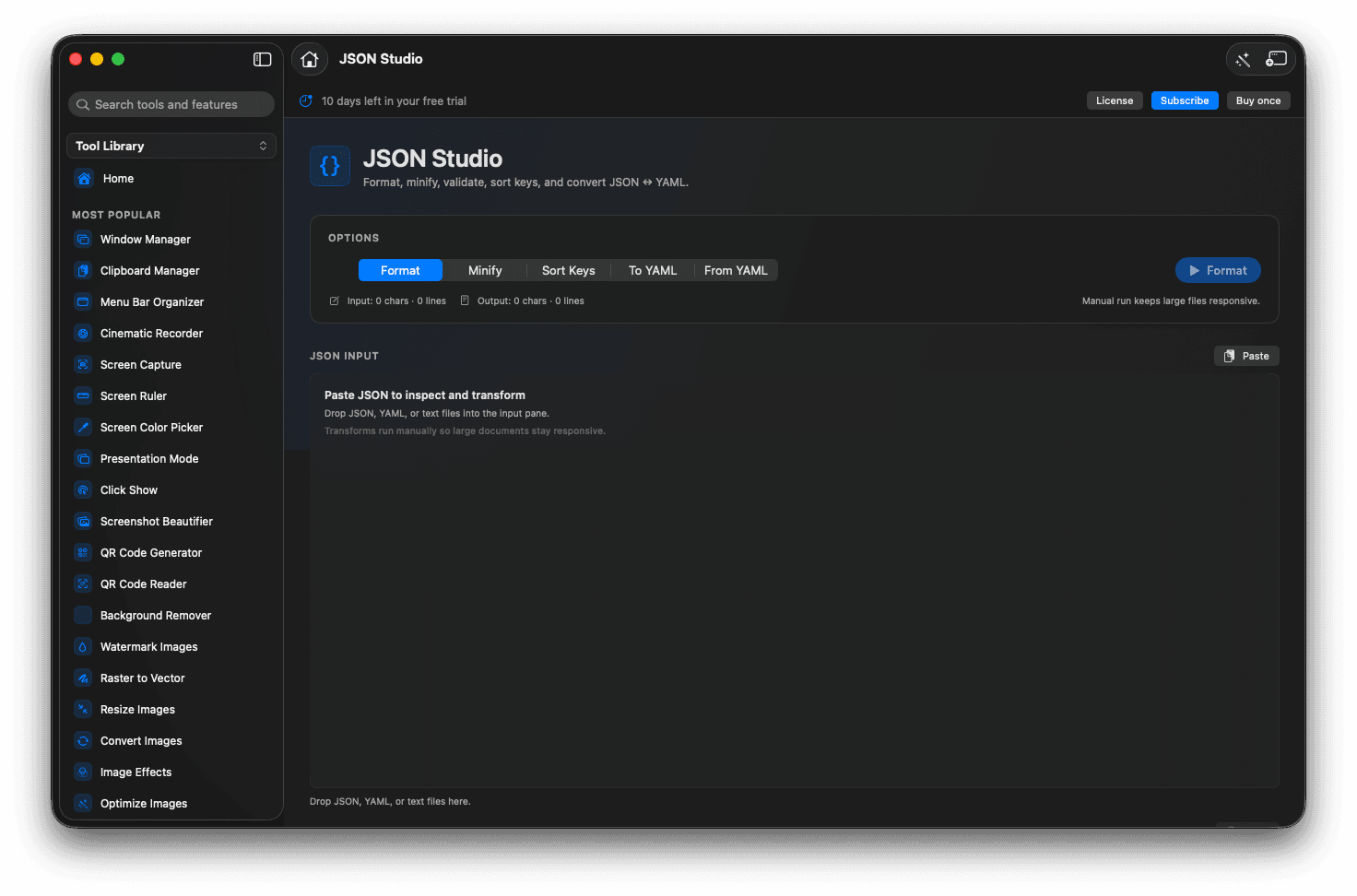
Format, validate, and explore JSON as a tree.
Test regex and preview replacements live.
Decode JWTs and convert timestamps, bases, and cases.
Everything runs locally - tokens and data never leave.
Concrete features, inputs, and workflow details for this tool.
Pretty-print and validate JSON, walk it as a tree, and convert between JSON, YAML, CSV, and typed code.
Decode a JWT, turn a Unix timestamp into a date, flip a number base, or re-case an identifier without leaving the app.
Paste real tokens, payloads, and secrets - they are processed on your Mac and never sent to a server.
Open Foldout and pick a developer tool.
Paste your text, code, or data.
Read the result or tweak the options.
Copy the output back into your work.
No. Foldout's developer tools run on your Mac, so tokens, payloads, and snippets stay local.
JSON, YAML, CSV, regex, JWT, timestamps, URLs, hashes, IDs, and more.
Yes. These tools work without a network connection.