Type, style, and stack lines
Add as many lines as you need and give each its own size, weight, italic, color, and alignment - a title and subtitle, a lower-third, or a full pull quote, all in one card.
Text Animation is a tiny motion studio for words. Stack styled lines, choose how they arrive - fading up, revealing line by line, typing themselves out, or pushing in cinematically - set a backdrop, and watch it loop live. Export a finished clip, or a transparent overlay you can drop straight onto other footage.
Start the 14-day trial in the app. No payment method is required to try Foldout.
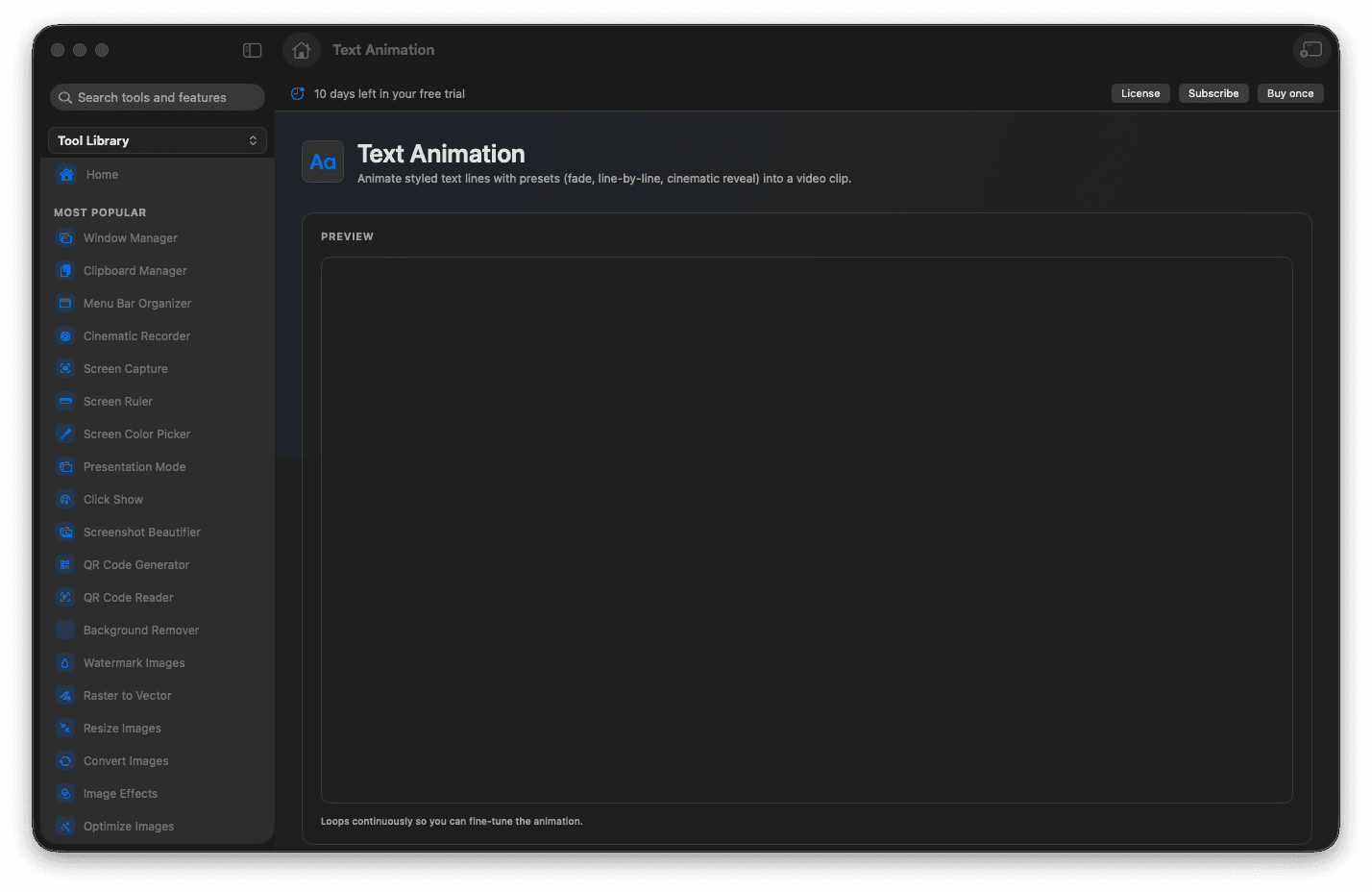
Write multiple lines and style each one with its own size, weight, italic, color, and alignment.
Choose an animation: fade in or out, line by line, slide up, typewriter, pop in, or a cinematic reveal.
Set the backdrop to black, a solid color, or a gradient, each with its own fade or zoom transition.
Watch it loop in a live preview that matches the exported frame exactly.
Export a 1080p clip, or a transparent overlay you can layer over any other video.
Concrete features, inputs, and workflow details for this tool.
Add as many lines as you need and give each its own size, weight, italic, color, and alignment - a title and subtitle, a lower-third, or a full pull quote, all in one card.
Pick from fade, line by line, slide up, typewriter, pop in, and cinematic reveal. The backdrop eases in first and then the words arrive, so nothing pops on screen unannounced.
A looping preview is driven by the very same engine that renders the file, so the motion, spacing, and color you fine-tune on screen are exactly what lands in the clip.
Render a self-contained 1080p video, or a transparent overlay you can drop over a recording or any other footage - ideal for intros, outros, captions, and call-outs.
Open Text Animation and type your lines.
Style each line, then choose an animation and a backdrop.
Set the duration and the backdrop transition, and watch the live loop.
Turn on the transparent background if you want an overlay.
Export the clip and drop it into your video.
Yes. Turn on the transparent background option to export a clip with alpha that layers cleanly over any footage.
Yes. The live preview and the exported video are produced by the same engine, so what you scrub is what you get.
It shares the same engine. You can build a card here as a standalone clip, or add intro, outro, and overlay text directly inside Cinematic Recorder.