Four reviews, one place
Move between duplicate candidates, a folder map, a size inventory, and empty-folder results without juggling separate utilities.
Folder Review Studio is one calm workspace for making sense of a folder you point it at - flip between duplicate candidates, a visual folder map, a size inventory, and empty-folder finds, inspect anything closely, and only then decide what to do next.
Start the 14-day trial in the app. No payment method is required to try Foldout.
This tool is a local inspection and workflow utility for files, settings, and development tasks you control. It reviews selected local information only; Foldout does not connect to other machines, manage accounts, monitor networks, or provide a live service.
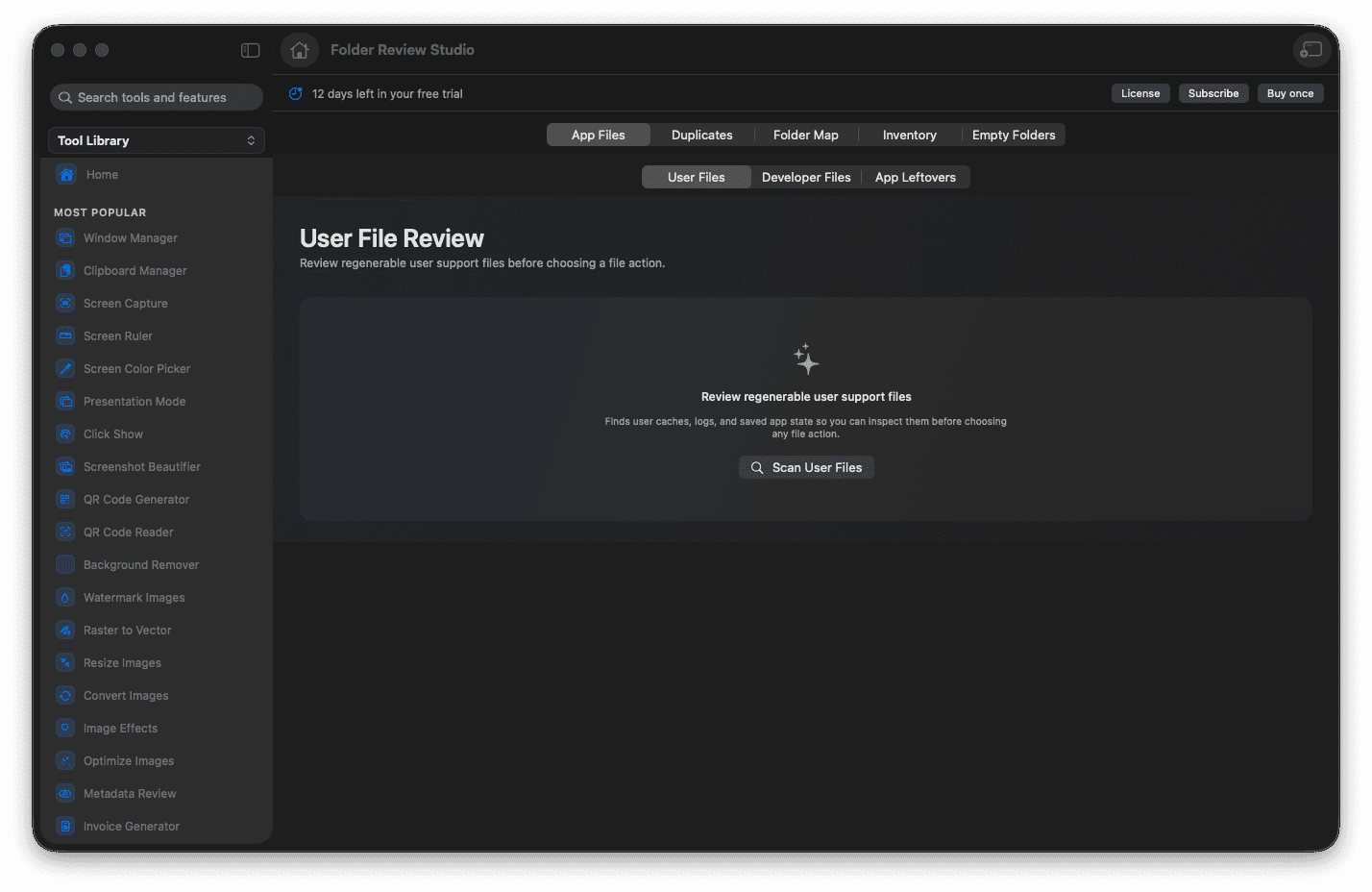
Switch between duplicates, map, inventory, and empty views.
Inspect files and folders before any action.
Review a whole folder from one workspace.
Decide every next step deliberately.
Concrete features, inputs, and workflow details for this tool.
Move between duplicate candidates, a folder map, a size inventory, and empty-folder results without juggling separate utilities.
Inspect the actual files and folders in detail, so any cleanup decision is informed rather than rushed.
Nothing happens automatically - you review first and choose each action yourself.
Open Folder Review Studio.
Choose the folder you want to inspect.
Move through duplicate review, folder map, inventory, and empty-folder tabs.
Reveal, review, or change files only after checking the results.
No. It presents review views and confirmation steps so you can decide what to do.