Know before you act
Inspect what is actually inside a folder, so a cleanup or a move starts from facts instead of a hunch.
Folder Review is the careful first look before you touch anything - point it at a folder or a project, see the paths and sizes, including the build outputs and dependency folders that quietly eat your disk, and decide what is safe to act on.
Start the 14-day trial in the app. No payment method is required to try Foldout.
This tool is a local inspection and workflow utility for files, settings, and development tasks you control. It reviews selected local information only; Foldout does not connect to other machines, manage accounts, monitor networks, or provide a live service.
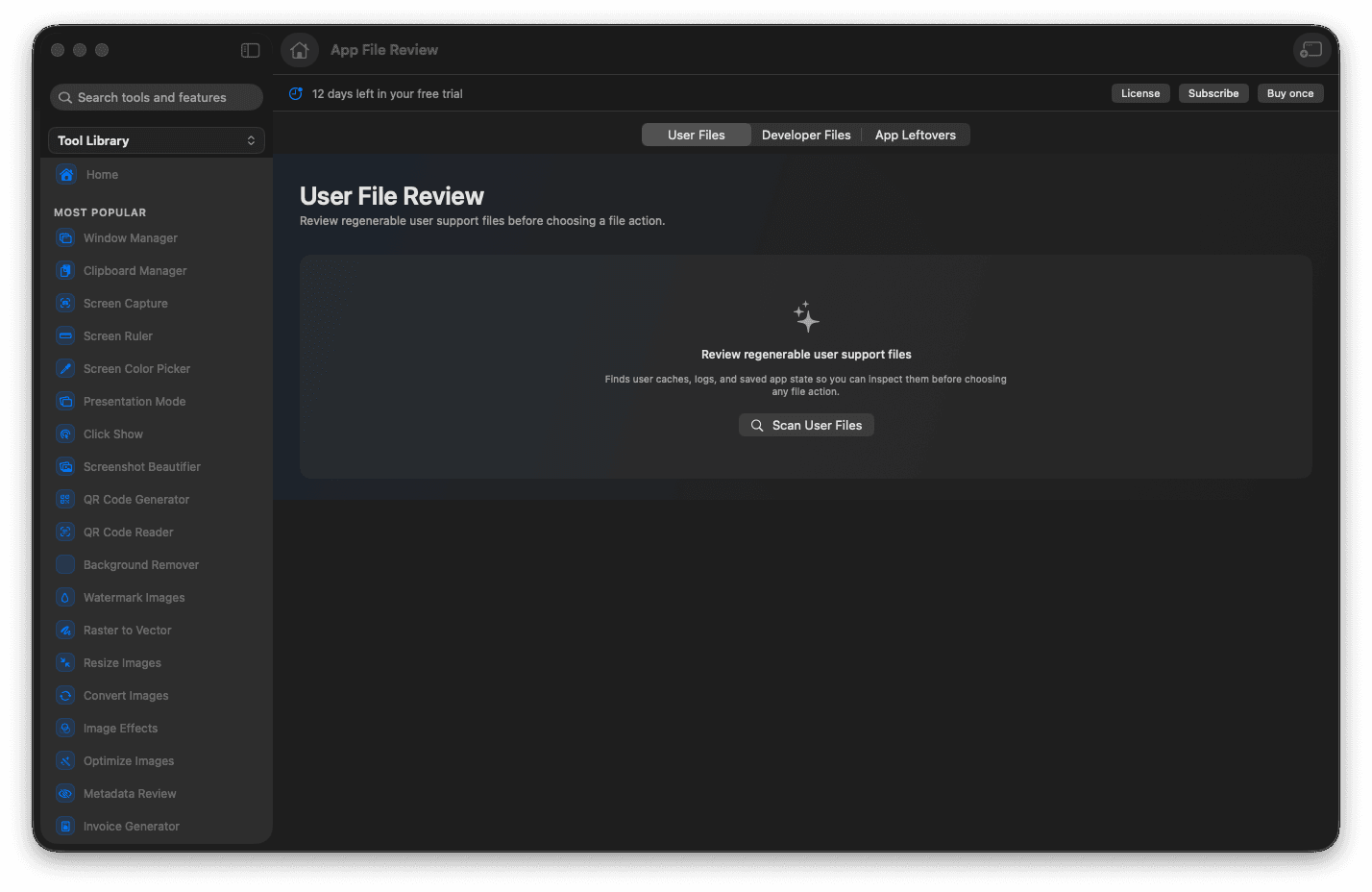
Review a folder's contents before changing anything.
Spot heavy build outputs and dependency folders.
See file paths and sizes at a glance.
Choose actions with full context.
Concrete features, inputs, and workflow details for this tool.
Inspect what is actually inside a folder, so a cleanup or a move starts from facts instead of a hunch.
Build outputs, caches, and dependency folders are easy to spot, so you know where the space really went.
Paths and sizes are right there, so every decision about what to keep is an informed one.
Open Folder Review.
Choose the folder area you want to inspect.
Review found files and folders with their paths and sizes.
Confirm only the file changes you trust.
No. Foldout protects Apple system locations and shows review steps for file-changing actions.