The toggles you actually touch
Hidden files, Dock auto-hide, desktop icons, and more, gathered where you can flip them without spelunking through menus.
Mac Settings Shortcuts collects the toggles you actually fiddle with - Finder hidden files, Dock auto-hide, screenshot location, keep-awake - into one tidy panel, so a setting you change weekly stops being buried four menus deep.
Start the 14-day trial in the app. No payment method is required to try Foldout.
This tool is a local inspection and workflow utility for files, settings, and development tasks you control. It reviews selected local information only; Foldout does not connect to other machines, manage accounts, monitor networks, or provide a live service.
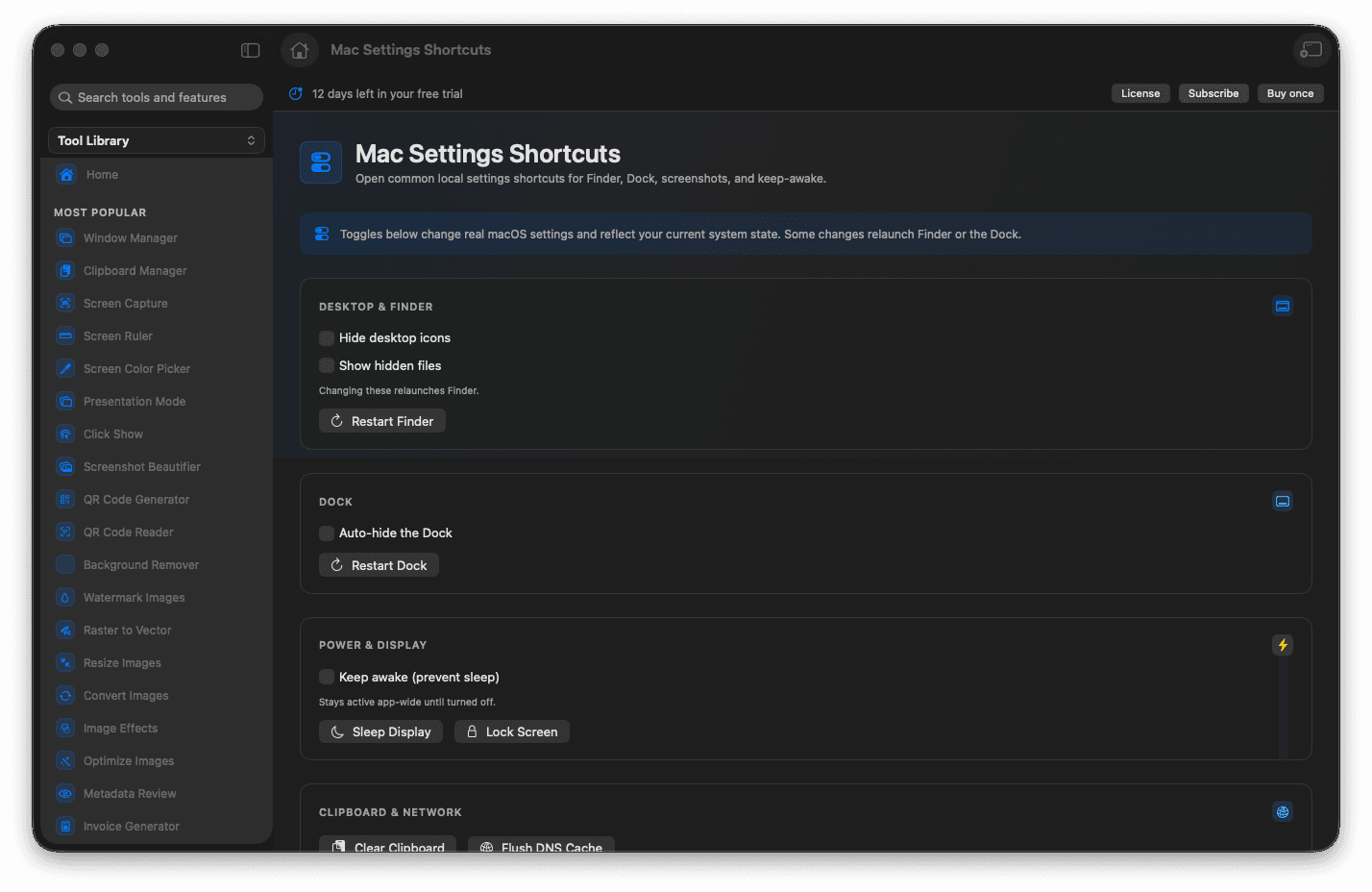
Flip common Finder and Dock toggles fast.
Adjust where screenshots are saved.
Keep the Mac awake when you need it.
Reach buried settings from one panel.
Concrete features, inputs, and workflow details for this tool.
Hidden files, Dock auto-hide, desktop icons, and more, gathered where you can flip them without spelunking through menus.
Change where captures land and how they behave, right when you need a different setup.
Hold your Mac awake for a presentation or a long task, then let it sleep normally again.
Open Mac Settings Shortcuts.
Review the available local controls.
Change only the setting you need.
Switch it back when finished.
No. These are local shortcuts and controls for the Mac you are using.