The everyday checks, together
Ping, DNS, traceroute, HTTP headers, TLS, and port checks in one place, so diagnosing a flaky endpoint does not mean five terminal commands.
Connection Inspector is a tidy console for the network checks developers run all day - ping a host, resolve DNS, trace a route, read HTTP headers, inspect a TLS certificate, probe a port - against the targets you control, with nothing changed on your end.
Start the 14-day trial in the app. No payment method is required to try Foldout.
This tool is a local inspection and workflow utility for files, settings, and development tasks you control. It reviews selected local information only; Foldout does not connect to other machines, manage accounts, monitor networks, or provide a live service. Use Foldout only with files, content, hosts, tokens, systems, or accounts you own or are authorized to inspect or process.
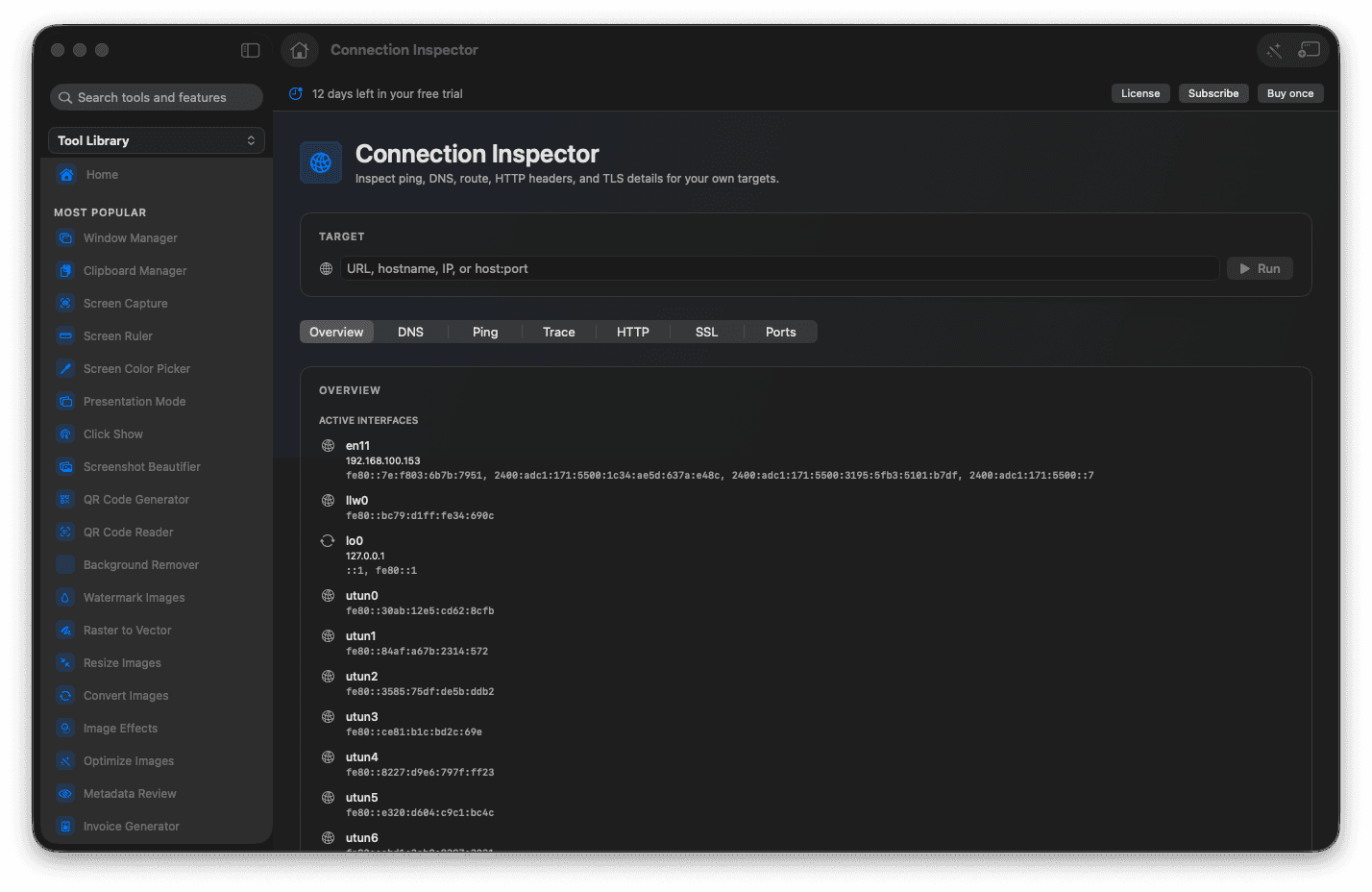
Run ping, DNS, and route checks.
Read HTTP headers and TLS certificate details.
Probe host and port reachability.
Inspect without changing any network settings.
Concrete features, inputs, and workflow details for this tool.
Ping, DNS, traceroute, HTTP headers, TLS, and port checks in one place, so diagnosing a flaky endpoint does not mean five terminal commands.
Inspect TLS certificate details to catch an expiry or a mismatch before it becomes an outage.
Every check just inspects the targets you control and leaves your own network settings untouched.
Enter a host, URL, IP, or port you are responsible for.
Choose the check you need.
Run the check.
Review the local result.
No. It runs checks and displays results.