Who has the port
Search a port number and Foldout names the exact process holding it, so 'address already in use' stops being a mystery.
Port Process Viewer answers the dreaded 'port already in use' the instant it happens - search a port, see exactly which app or process is holding it, and act only behind a clear review-and-confirm step so nothing gets stopped by accident.
Start the 14-day trial in the app. No payment method is required to try Foldout.
This tool is a local inspection and workflow utility for files, settings, and development tasks you control. It reviews selected local information only; Foldout does not connect to other machines, manage accounts, monitor networks, or provide a live service. Use Foldout only with files, content, hosts, tokens, systems, or accounts you own or are authorized to inspect or process.
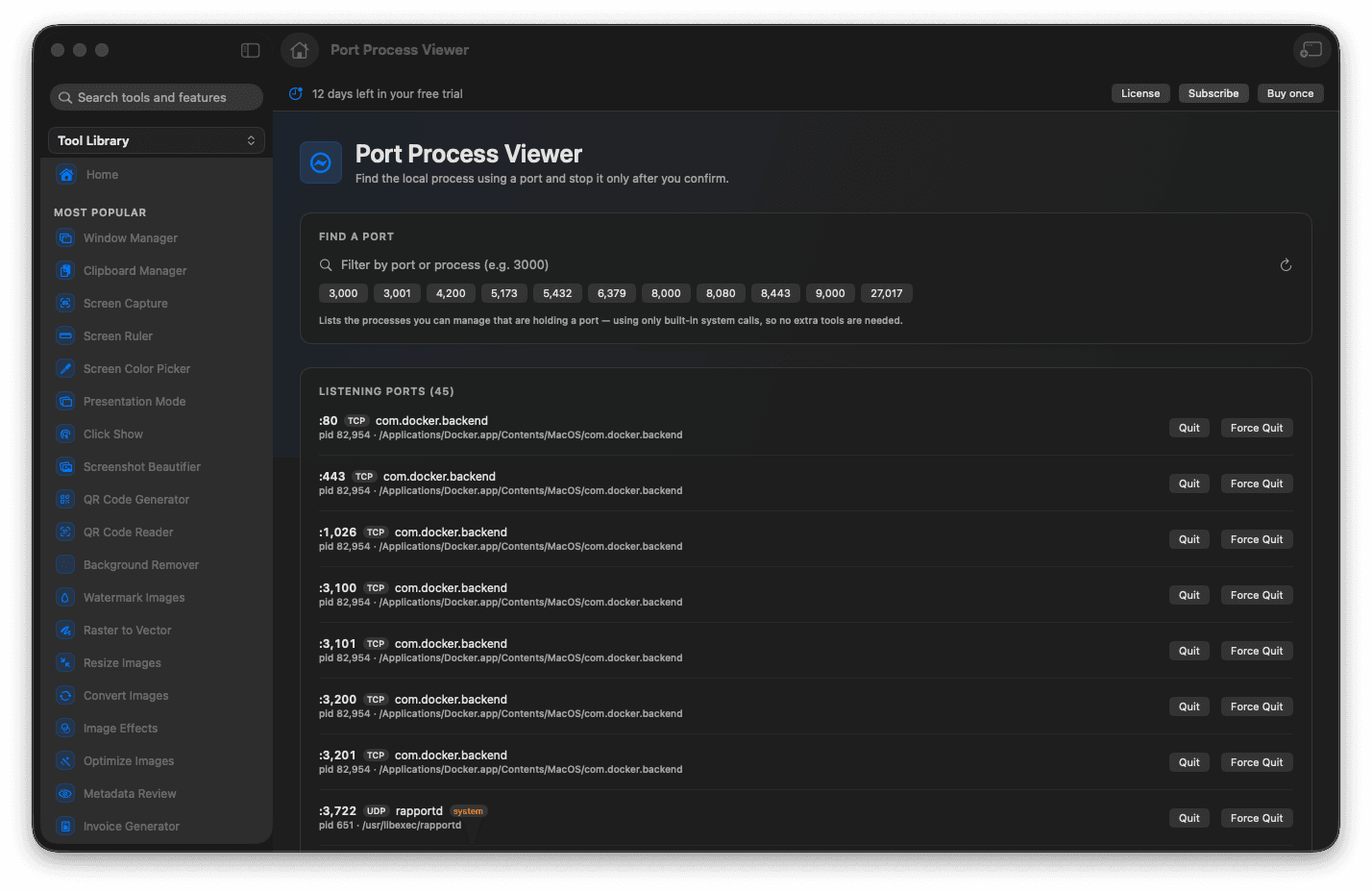
Find what is listening on any local port.
See the owning app or process by name.
Free a stuck port when you decide to.
Every action sits behind explicit confirmation.
Concrete features, inputs, and workflow details for this tool.
Search a port number and Foldout names the exact process holding it, so 'address already in use' stops being a mystery.
Any action to free a port is shown and confirmed first, so you never stop the wrong thing in a hurry.
Exactly the answer you need when a dev server refuses to start because something is squatting on its port.
Enter the port number.
Review the local process using it.
Review the process details.
Take action only if it is safe.
Yes. Review the process before stopping it, especially if it is not one you started for development.